Navigate Here: Financials > Invoices > Browse Invoices; select an invoice
When the invoice is submitted, authorized users can review it.
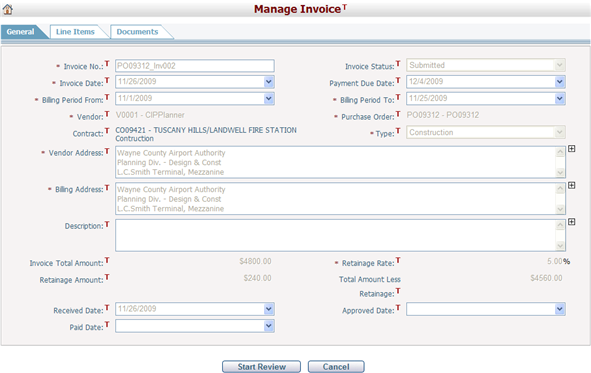
Workflow can be incorporated with invoice review. If the invoice review workflow is activated, clicking the Start Review button will commence invoice review according to the workflow definition of your organization.
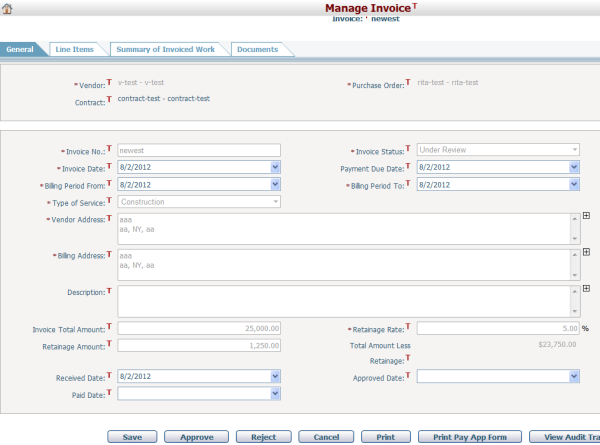
If the invoice review workflow is not activated, simply click the Approve button to approve the invoice, or click the Reject button to reject it. Approved Date is recorded when the invoice is approved.